STANDBY POWER FOR HOME & BUSINESS
Generator Installation & Maintenance in Cayman
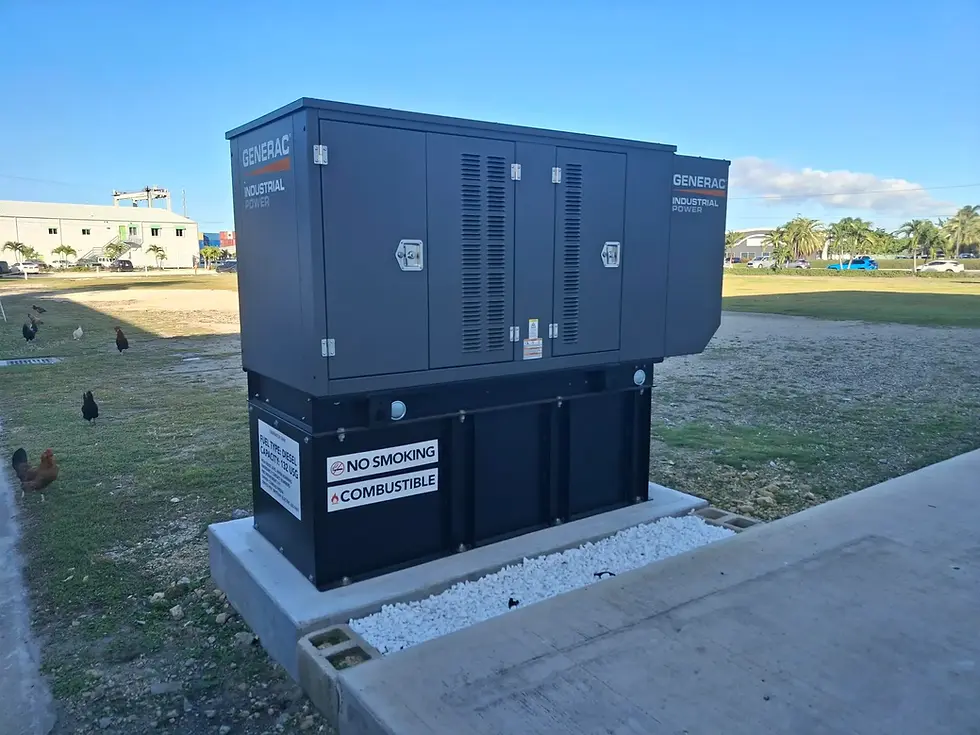
Britthay installs standby generators for homes, businesses and critical facilities across the Cayman Islands. As Cayman's only authorised Generac installer, we provide generator installation and commissioning, alongside preventative maintenance, testing and repairs for major generator brands, including Kohler.



1988
Established 1988

Authorised Generac Installer

Service for Major Brands
Generac, Kohler & More

Residential & Commercial
How Standby Generator Systems Work
When grid power fails, a standby generator starts automatically and, once ready, supplies electricity to selected circuits through a transfer switch. The process normally takes a short time, so sensitive equipment may also require UPS protection.

Generator Maintenance & Servicing in Cayman
A standby generator needs regular servicing to remain ready for an outage. In Cayman's coastal environment, humidity, salt-air corrosion and periods of inactivity can affect components and system reliability.
Britthay provides preventative maintenance, inspections, testing and fault diagnosis for residential, commercial and industrial generators. We service Generac, Kohler and other major brands, including systems not originally installed by our team.
Our Maintenance Services Include
✓ Scheduled preventative maintenance
✓ Battery, filter and fluid checks
✓ Electrical and control inspections
✓ Generator and transfer switch testing
✓ Fault diagnosis and troubleshooting
✓ Assessment of corrosion and environmental wear
Why Install a Generator in Cayman?
A properly planned standby power system helps homes and businesses manage power interruptions and keep essential systems running.
Power Essential Equipment
Support selected electrical loads during outages, including refrigeration, pumps, lighting and building systems. Sensitive equipment may require additional UPS protection.

Business Continuity
Keep essential business operations running during power interruptions, with generator capacity planned around the systems your facility depends on.

Comfort and Safety
Maintain selected household essentials, including lighting, refrigeration, communications and air-conditioning, depending on generator capacity.


Home Standby Generators
Automatically power your home during outages, keeping essential systems running without interruption.
-
Ideal for homes and villas
-
Powers lights, appliances, and essentials
-
Quiet, compact, and fully automatic
Types of Generators we install
Britthay installs residential, commercial and industrial standby generators across the Cayman Islands. Each installation is planned around the property's electrical loads, operating requirements and site conditions.

Commercial Standby Generators
Reliable backup power for businesses that need to stay operational when the grid goes down.
-
Supports HVAC, refrigeration, and equipment
-
Designed for offices, retail, and hospitality
-
Seamless automatic power transition

Industrial Generators
High-capacity power solutions for critical infrastructure and large-scale operations.
-
3-phase systems for heavy-duty applications
-
Built for continuous and scalable operation
-
Ideal for hospitals, data centres, and large facilities
From Site Assessment to Switch-On

01 Assess
Review your site and power needs.

02 Size
Select the right generator capacity.

03 Install
Connect the generator and transfer switch.

04 Test
Commission and verify system operation.
Request a Generator Installation Quote
Planning a generator installation for your home, business or commercial facility?
Share your property details and requirements, and our team will contact you to discuss the next steps.
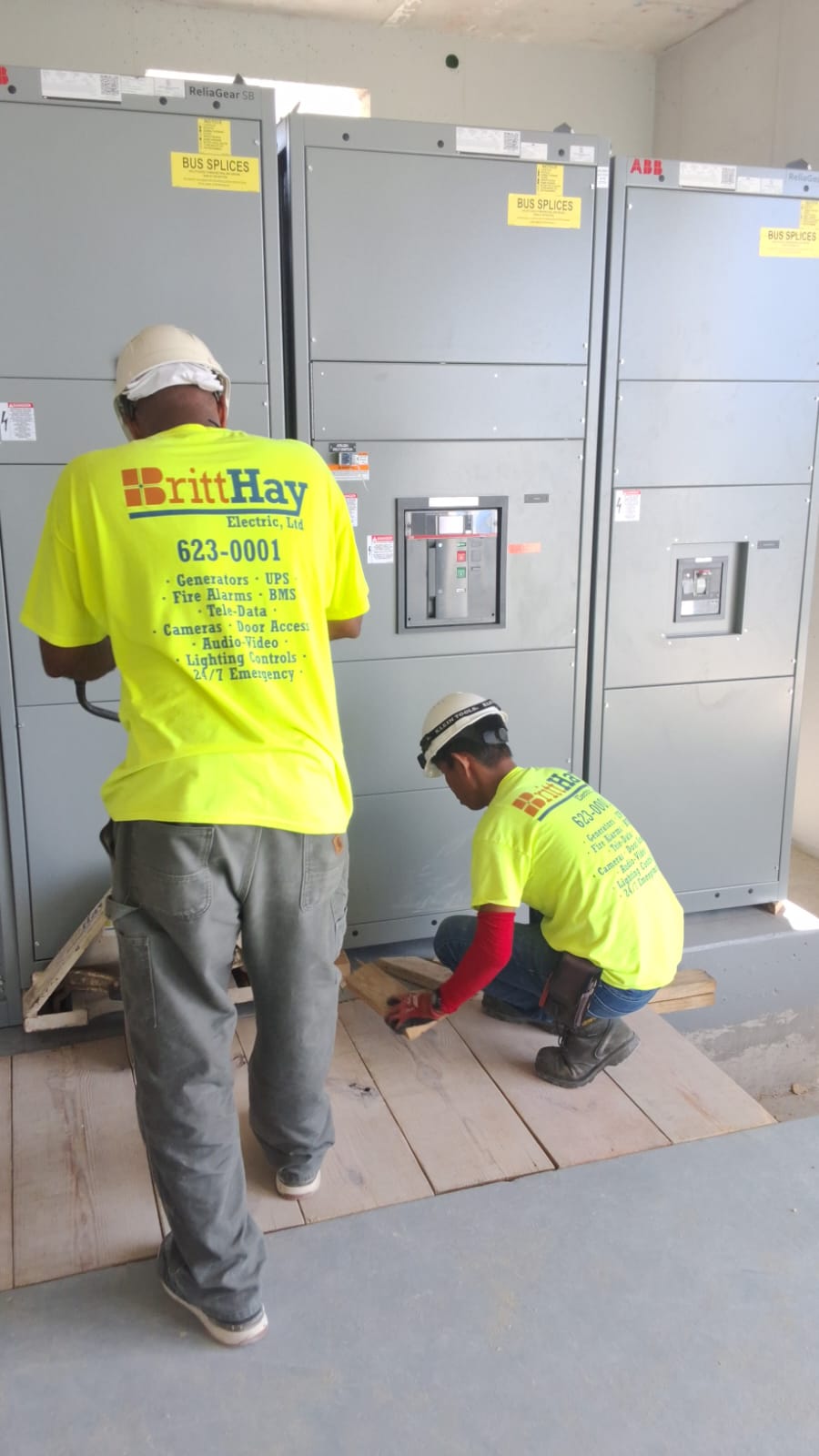
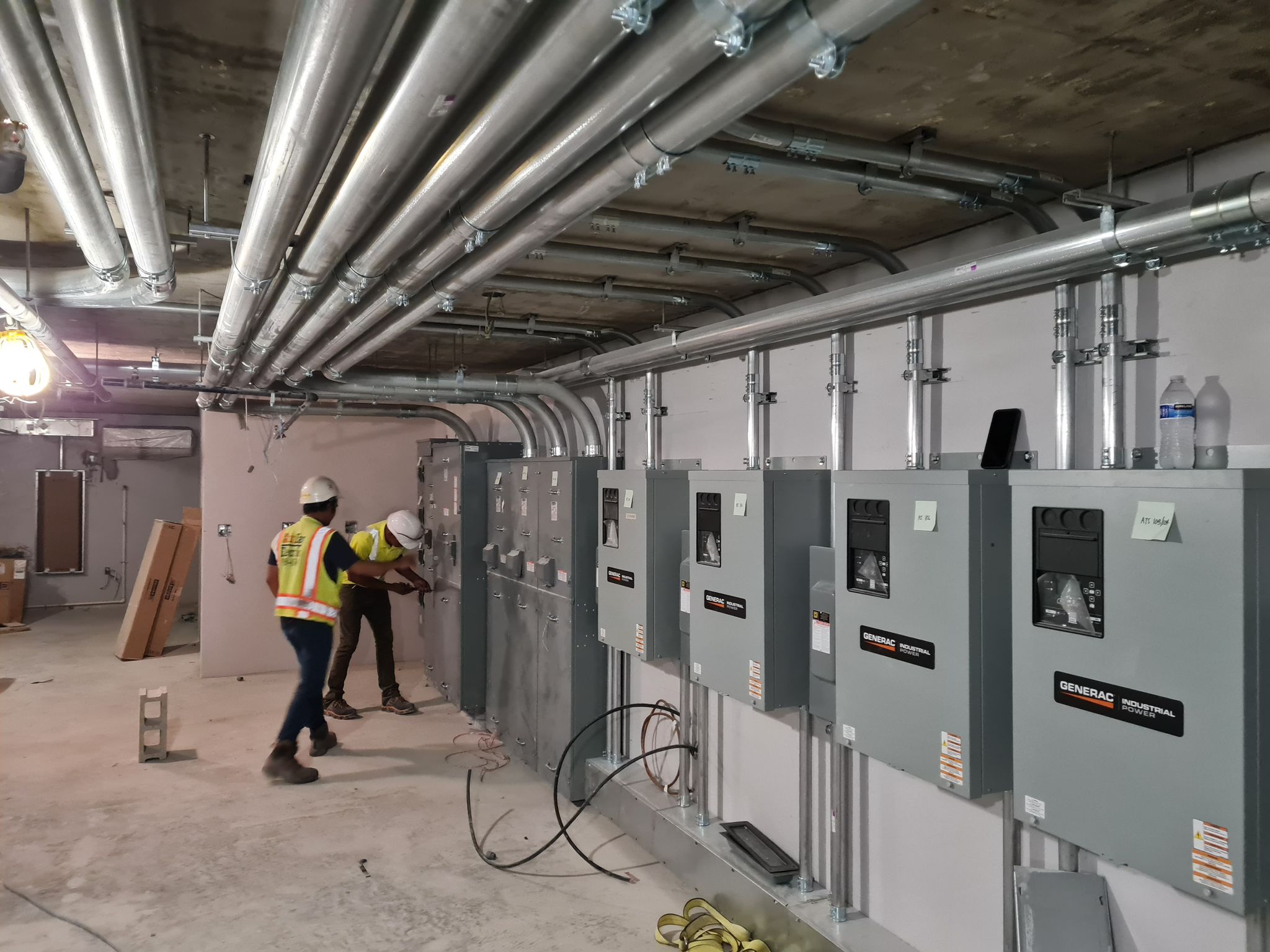
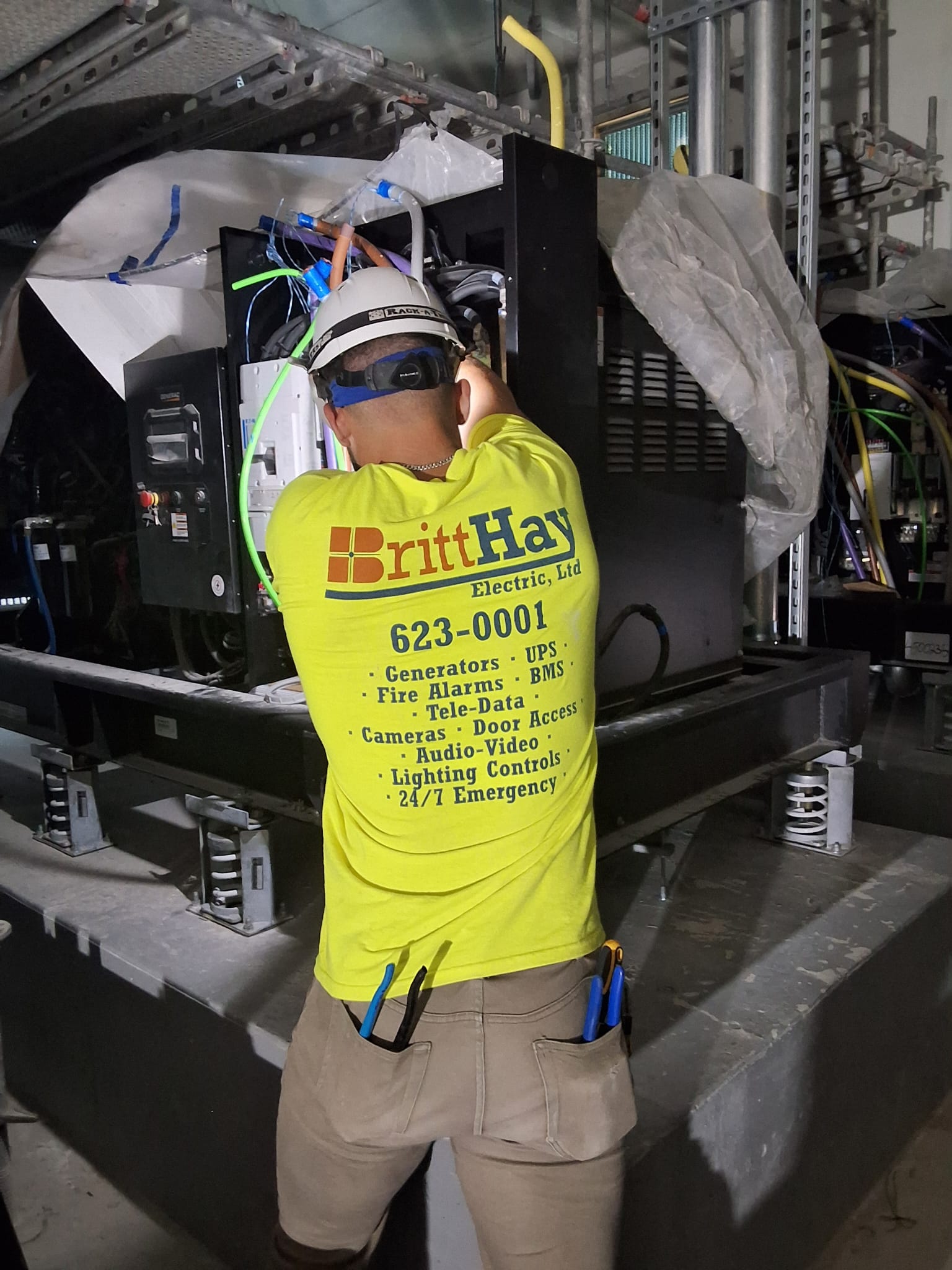
Our Work
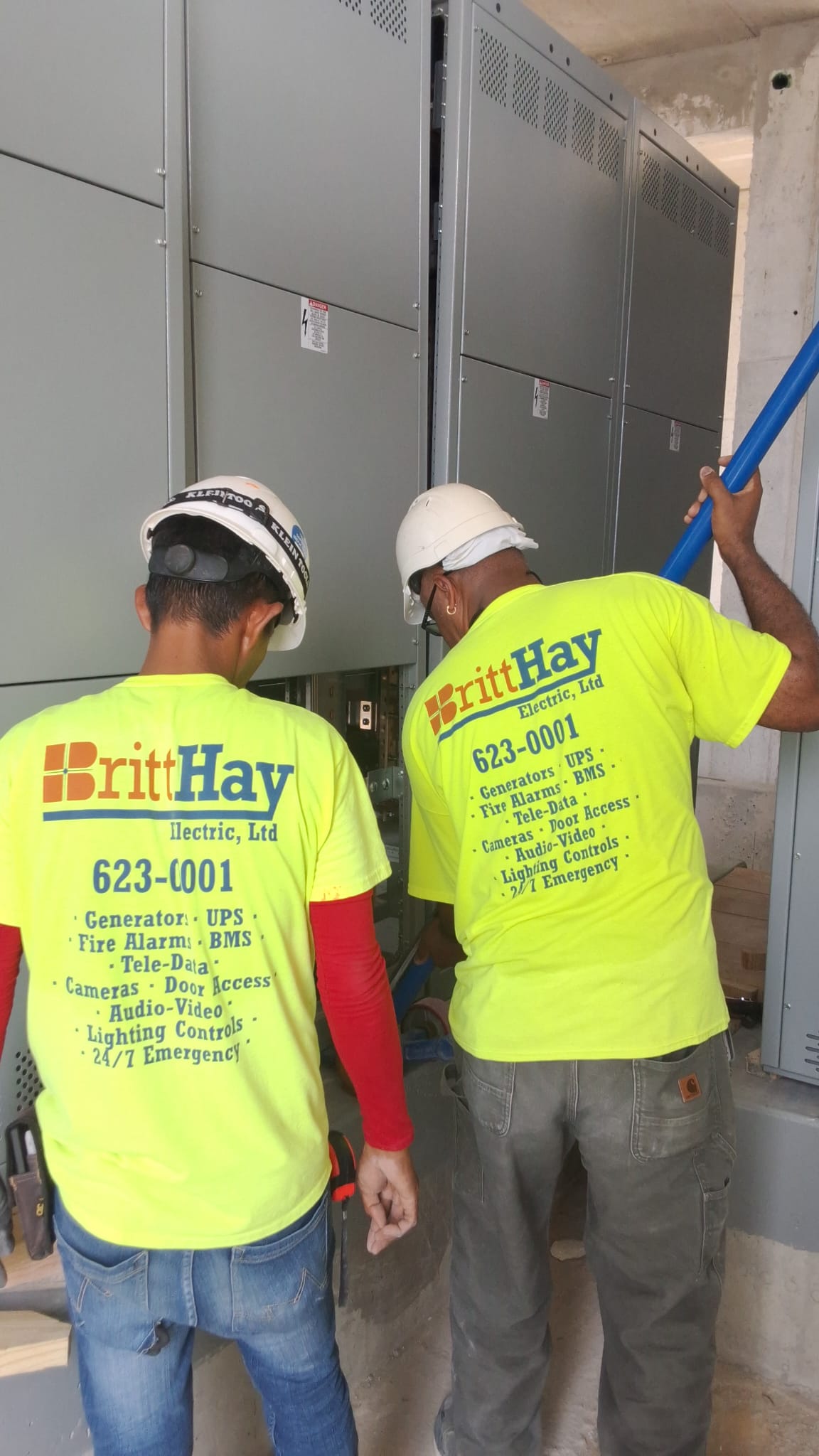
Recent generator installations and backup power systems across the Cayman Islands.


Complete Power Protection Solutions
Many clients pair standby generators with a UPS system to ensure uninterrupted power. While generators provide long-term backup during outages, a UPS delivers instant power in the first few seconds before the generator starts.
Generator Installation FAQs
Frequently asked questions

Our Partners
Powered by industry-leading technology


